
Digital photo printing in Surrey
Print digital photographs on paper for albums, gifts and frames you already own.
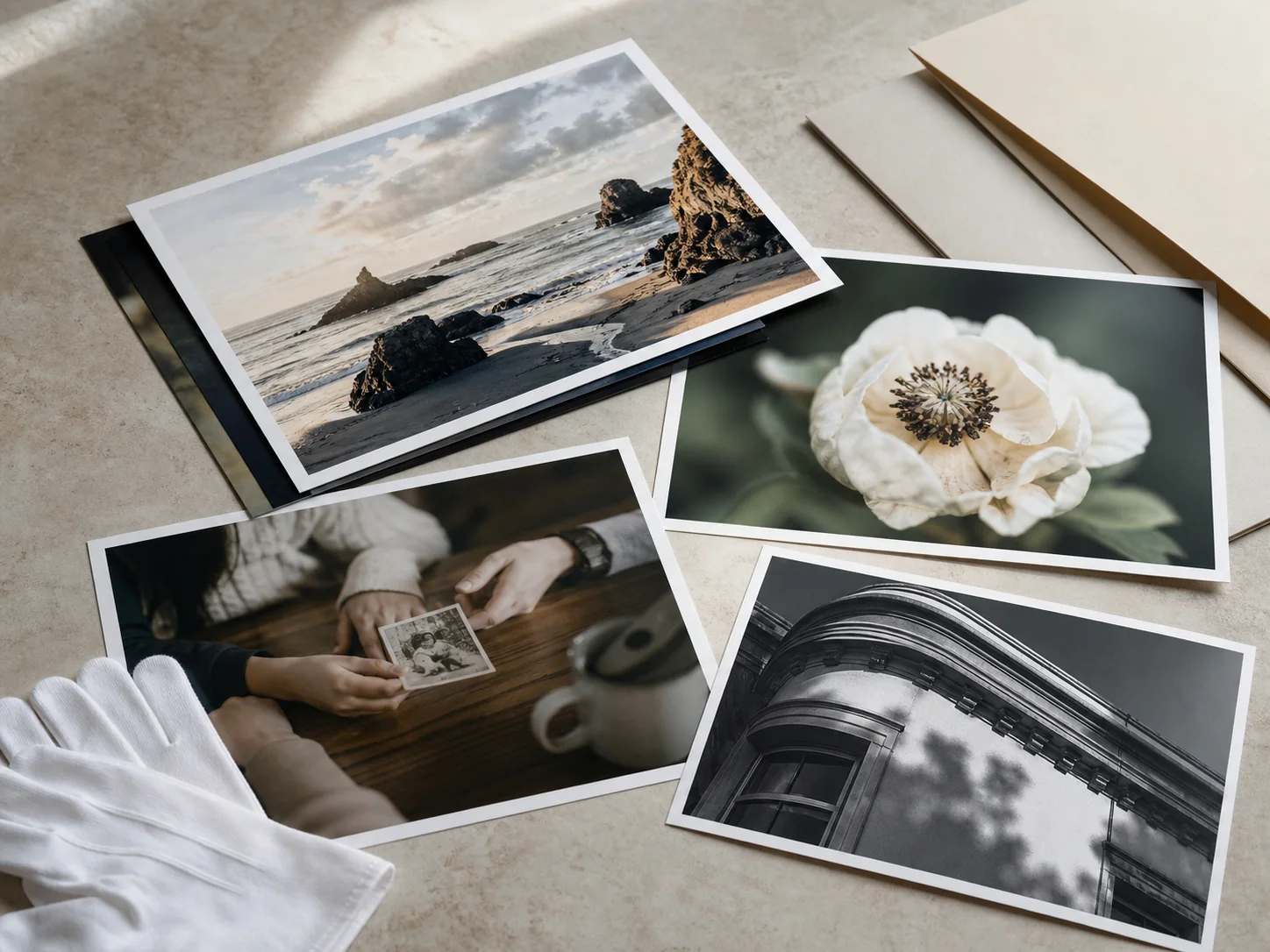
Start with how you’ll use the print
Choose a paper print when you want a loose photograph for an album, a desk frame or a gift. Share the intended use when you request a quote.
If you are filling an existing frame, measure what will actually be visible through its opening.
Size and crop
Compare that opening with the shape of the source photo. If the shapes differ, a full-bleed print trims some of the image. Ask about keeping the full image visible.
Use the original file when you can. For a larger piece, see the photo enlargement service.
Estimate the size of a print from your phone photo.
See what happens when the print shape changes.
Compare glossy and matte photo paper.
Prepare the original file for printing.
If you want the piece ready to display, explore printing and framing your photo.
Sizes and prices
Glossy photo paper
Printed on Siena 200G glossy photo paper (200 gsm).
Glossy photo prints from $9.00 for 8 × 10 inches
Prices are in CAD per unframed print.
Matching your photo’s shape to the print size can reduce cropping. See the photo cropping guide.
For custom dimensions or help choosing a size, request a print quote.
Standard sizes
| Size (inches) | Price (CAD) |
|---|---|
| 8 × 10 in | CAD $9.00 |
| 8 × 12 in | CAD $11.00 |
| 8.5 × 11 in | CAD $11.00 |
| 11 × 14 in | CAD $15.00 |
| 12 × 18 in | CAD $19.00 |
| 13 × 19 in | CAD $21.00 |
| 16 × 20 in | CAD $24.00 |
| 16 × 24 in | CAD $28.00 |
| 20 × 30 in | CAD $35.00 |
| 24 × 36 in | CAD $42.00 |
| 30 × 40 in | CAD $55.00 |
3:4 prints
| Size (inches) | Price (CAD) |
|---|---|
| 30 × 40 in | CAD $55.00 |
| 9 × 12 in | CAD $12.00 |
| 12 × 16 in | CAD $17.00 |
| 15 × 20 in | CAD $23.00 |
| 18 × 24 in | CAD $29.00 |
| 24 × 32 in | CAD $38.00 |
1:2 panoramic prints
| Size (inches) | Price (CAD) |
|---|---|
| 8 × 16 in | CAD $13.00 |
| 10 × 20 in | CAD $17.00 |
| 12 × 24 in | CAD $22.00 |
| 16 × 32 in | CAD $30.00 |
| 20 × 40 in | CAD $40.00 |
1:1 square prints
| Size (inches) | Price (CAD) |
|---|---|
| 10 × 10 in | CAD $11.00 |
| 12 × 12 in | CAD $14.00 |
| 16 × 16 in | CAD $21.00 |
| 20 × 20 in | CAD $27.00 |
| 24 × 24 in | CAD $34.00 |
| 30 × 30 in | CAD $46.00 |
Frequently asked questions
Which image formats can I upload?
The initial file check accepts JPEG, PNG, and WebP images up to 25 MB.
Should I upload the original photo?
Use the largest original file available when possible. Screenshots, messaging-app copies, and social-media downloads may contain fewer pixels or more compression.
Does uploading a photo place an order?
No. The initial file check validates the image and creates a separate preview. It does not choose a product, calculate a price, or place an order.
Why can a photograph need cropping?
Camera files and print sizes do not always share the same proportions. A crop, border, or different size may be needed to fit the chosen format.
How should I choose between canvas, photo, and framed prints?
Consider where the image will live, whether you want visible paper or texture, and how much physical structure the final piece should have. Each product page explains its format.
Why do some photo-print sizes crop my image?
Camera files and paper sizes do not always use the same aspect ratio. When they differ, choose a crop, a supported border, or another available size that better fits the composition.
Is a screenshot suitable for a photo print?
Use the original camera file or a high-quality edited export when possible. A screenshot may contain fewer pixels, interface elements, or added compression.
Explore other print formats
Let’s plan your print
Tell us about your photo and where you’d like to display it. We’ll help you work through the size and format.